
Variations
Create 2 to 4 image variations from an existing image or clip. Upload a source asset, choose the count, and see the credit cost before render.
- Outputs image
- From 2 credits




How Variations works
1. Set it up
Add your source image and …or source clip.
2. Choose options
Fine-tune the image options.
3. Generate
ClipRush renders your image, ready to download and post.
Example template
Running Shoe Variants
This example creates four still-image angles of a coral running shoe, useful for testing product layouts.
Start with an image or clip
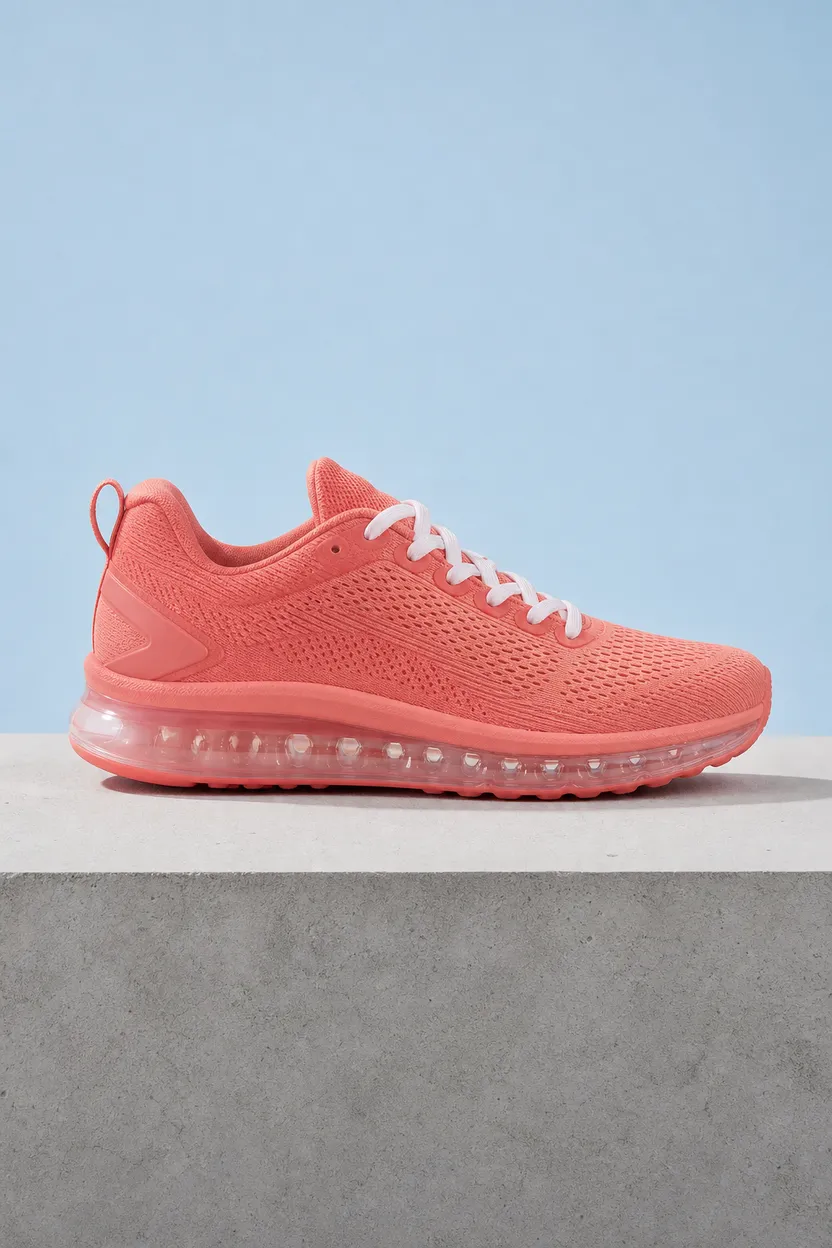
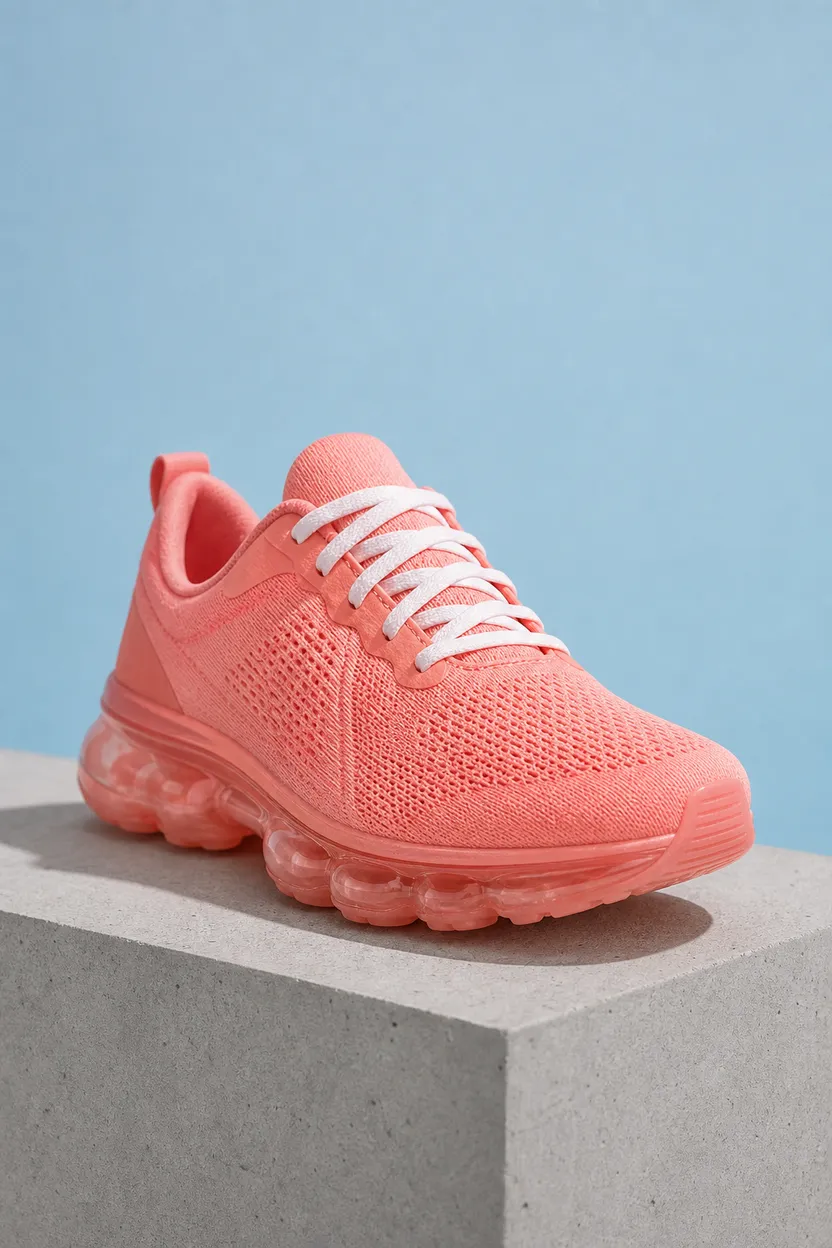
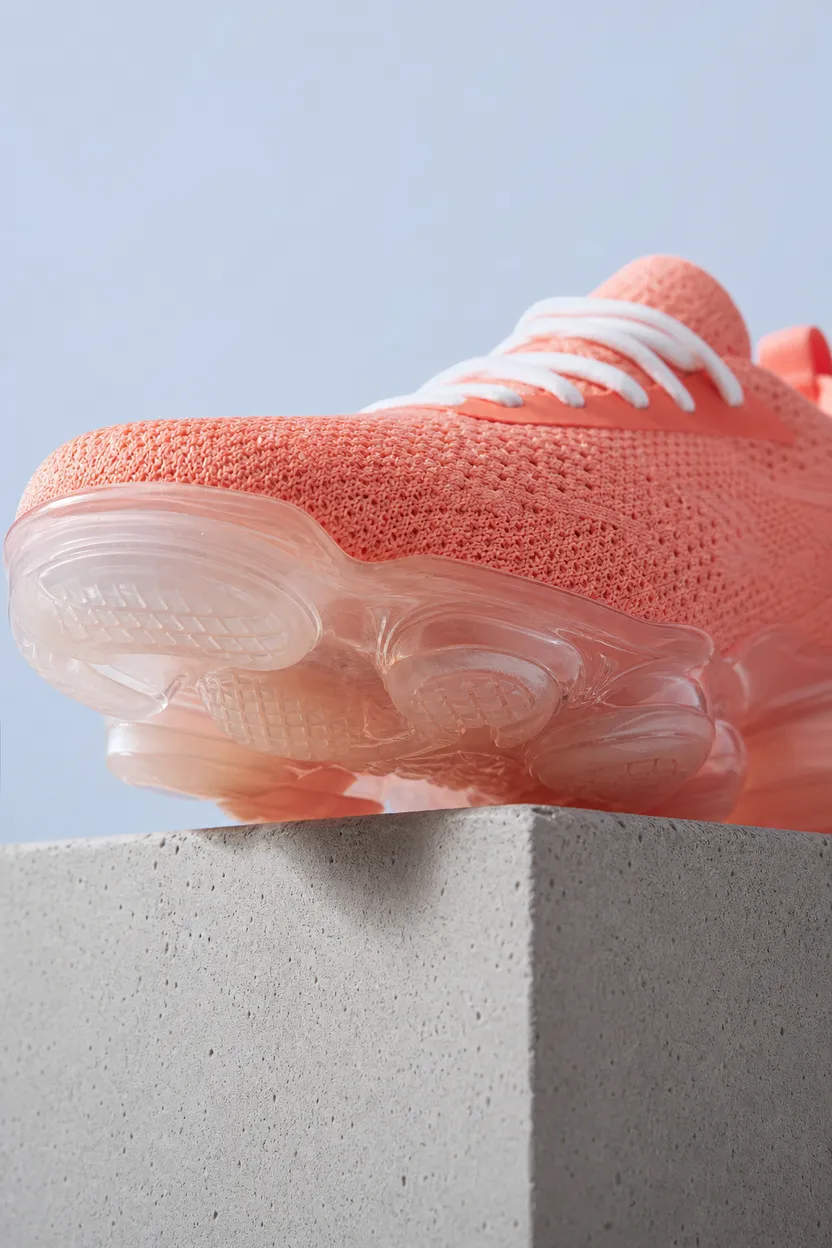
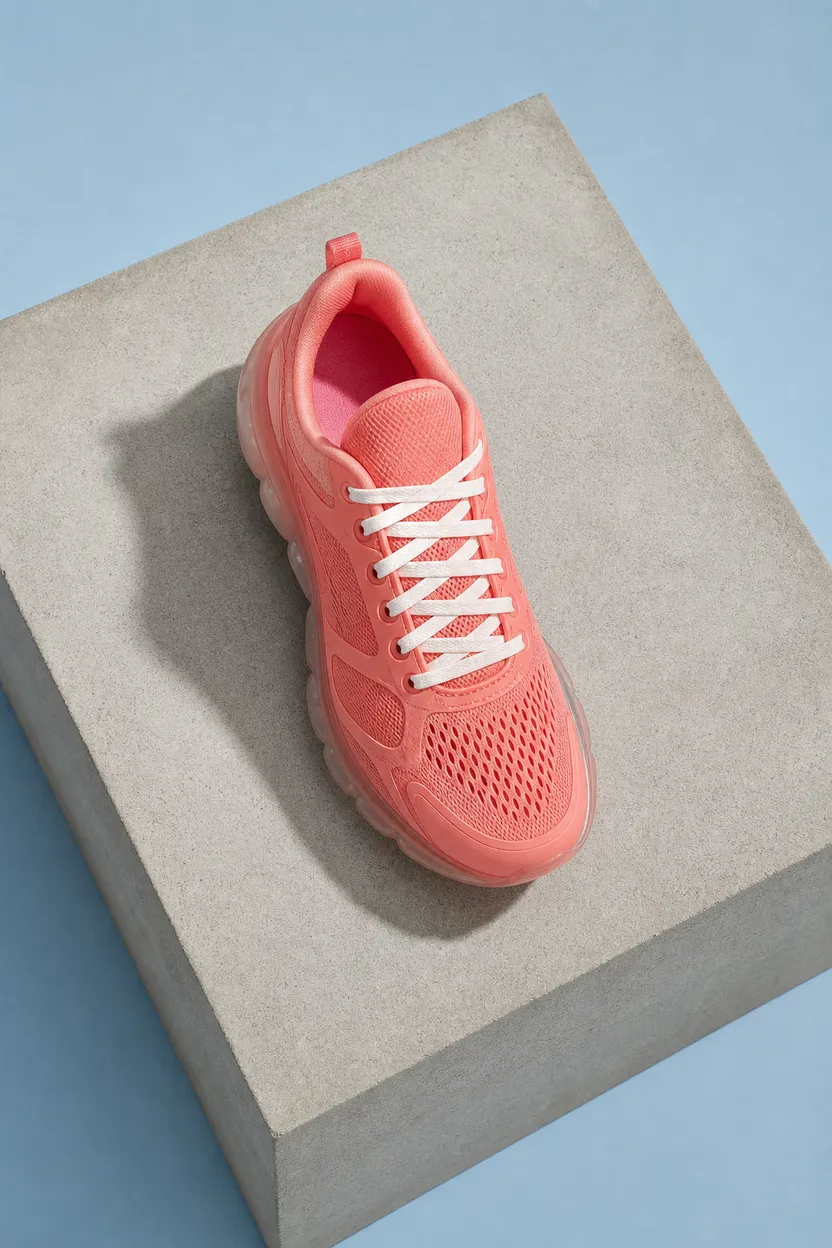
Variant AVariant BVariant CVariant D
FAQs
Variations makes 2 to 4 image alternates from a source image or clip. Use them to compare creative directions quickly.
Variations starts at 2 credits. ClipRush shows the credit cost before render, and purchased credits never expire.
Yes, Variations can start from either a source image or a source clip. The output is a batch of image alternates.