
Direct the impossible
Reality is editable.
Start with a photo. Add motion, weather, chaos, creatures, camera moves — and breathe life into it.
Create once, publish to every platform
One studio
Create video, images, and avatars in one place
ClipRush.ai brings 8 AI tools together so you can ideate, create, and publish content faster — without switching apps.
- All-in-one studio8 tools in one workspace
- AI-poweredBuilt for speed & quality
- Creator-firstDesigned for real results
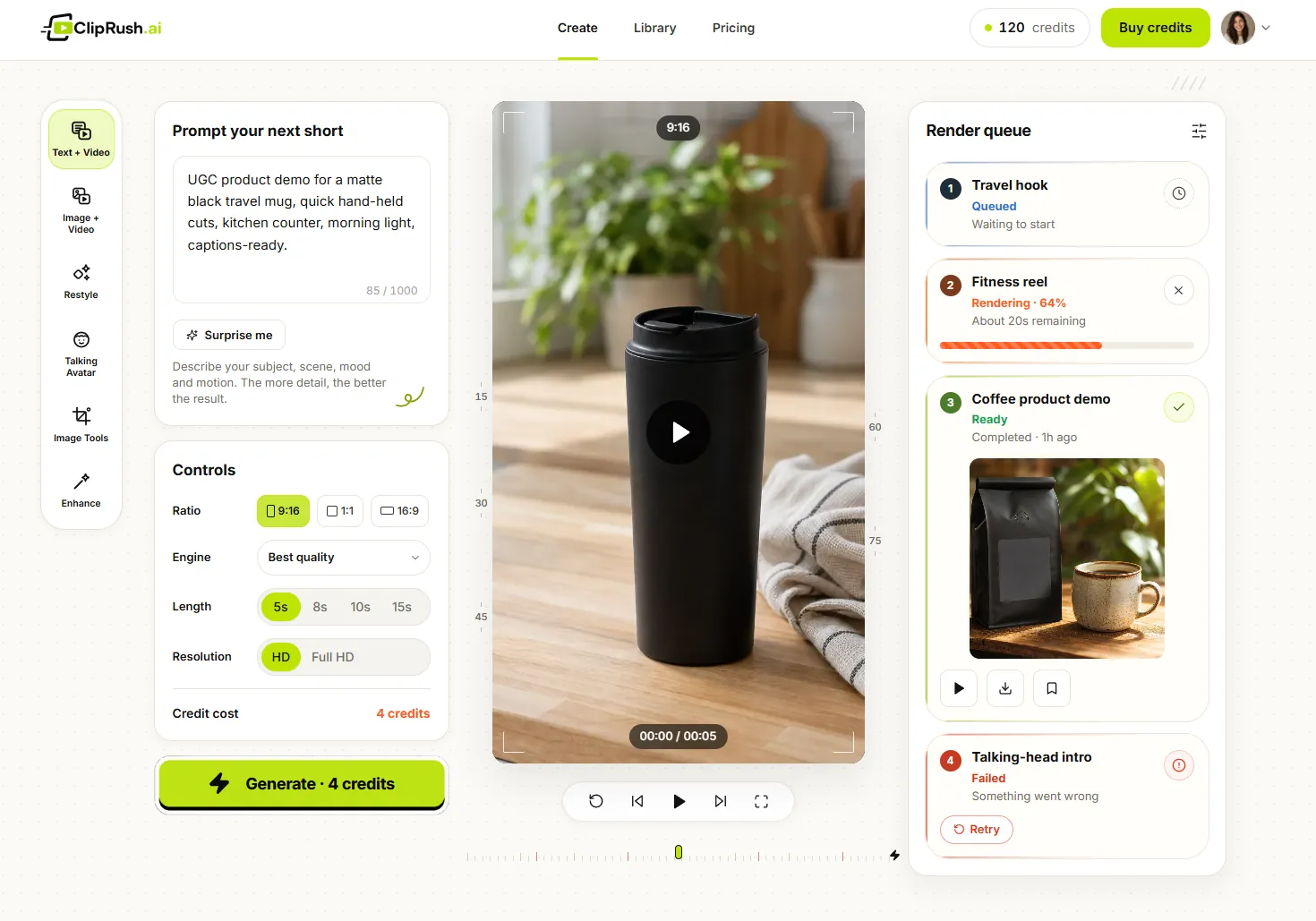
How it works
From idea to video. In minutes.
Start with anything — a photo, a prompt, a product, or a link. Describe what should happen and watch it come to life. Refine with follow-ups until it’s perfect, then export and post.
Follow-up queries in AI Mode are growing 40%+ every month.
More than 1 in 6 searches are now multimodal.
Bring your idea
Upload a photo, product, clip, or start with a prompt.
Describe what happens
Add motion, mood, and camera moves — just tell it what to do.
Refine & share
Tweak with follow-ups, export in any ratio, and post anywhere.
 Upload photo
 Winter
escape00:14
Or try a prompt
Export in any ratio
Download & share
16 tools
What can you create in one Studio?
Create video, images and enhancements in one workspace, from text-to-video to avatars, carousels and upscaling.
Video
Create, transform, and animate videos that grab attention.
3 tools


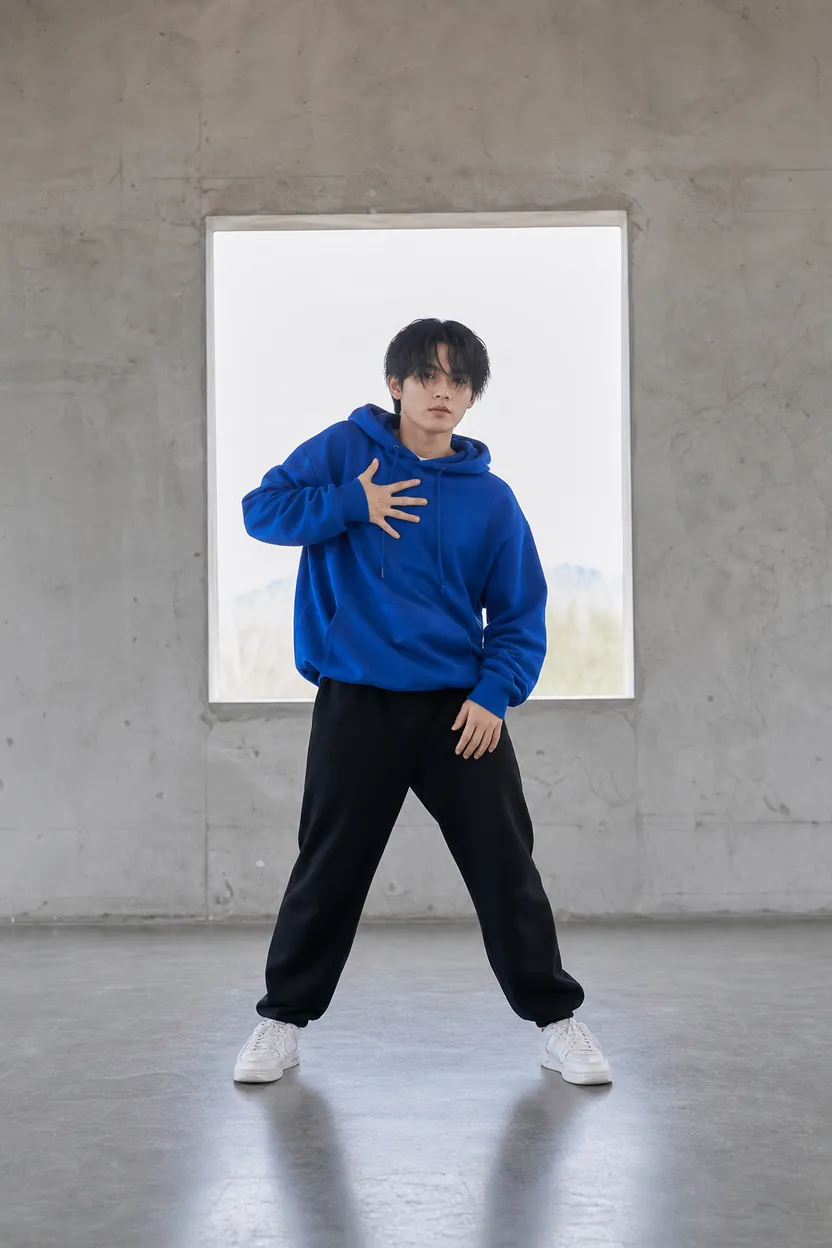
Image
Design, edit, and enhance images for any platform.
5 tools





Credits
How do ClipRush credits work?
Credits never expire
One credit balance.
Every ClipRush tool.
Use your credits across all ClipRush tools — image, video, avatar, and animation. You'll always see the cost before you render.
See credit pricingStarting credit costs
- Image generationfrom 1 credit
- Animate a photofrom 4 credits
- Text → Video clipfrom 4 credits
- Talking avatarfrom 6 credits
Pricing
Buy credits when you need them
One-time packs from $19 to $380. No subscription.
FAQ
Questions, answered
Everything you need to know about creating videos with ClipRush.ai.

ClipRush.ai makes finished videos from prompts, photos, clips, or links, with tools for text-to-video, image-to-video, talking avatars, restyle, upscaling, and image creation.
You can start with a text prompt, a photo, an existing clip, or a TikTok/Instagram link, then choose a quality level from Fast, Balanced, Best, or Max before rendering.
You can export in 9:16, 1:1, or 16:9, so the same idea can become vertical, square, or widescreen video for social feeds, YouTube, websites, or ads.
Most projects are made in minutes, with exact render time depending on the tool, quality choice, and length or complexity of the prompt, photo, or clip.
You do not need your own footage or editing skills; create from a prompt, photo, clip, or link, then guide the result with simple follow-up prompts.
ClipRush.ai uses content-safe models only, blocks NSFW and deepfakes, and requires rights to any real face you use; if you do not have rights, create an original AI avatar instead.
Credits are bought in one-time packs, never expire, and work across all tools; packs run from $19 for 200 credits to $380 for 5,000 credits, with the exact cost shown before render. There is no subscription.
You can refine with follow-up prompts after a render, export in vertical, square, or widescreen format, and post the finished video on social feeds, YouTube, websites, ads, or other channels.
Still have questions?
We’re here to help.
Create your next finished video
Start with a prompt or photo, render variants, then export vertical, square or widescreen.