
Create a Carousel From One Subject Image
Create a coherent set of multi-angle stills from one subject image. Choose 9:16 or 1:1 and set 2 to 8 slides for a carousel post or product showcase. ClipRush shows the exact credit cost before render and uses one-time credit packs.
- Outputs image
- From 1 credits
- 9:16 · 1:1
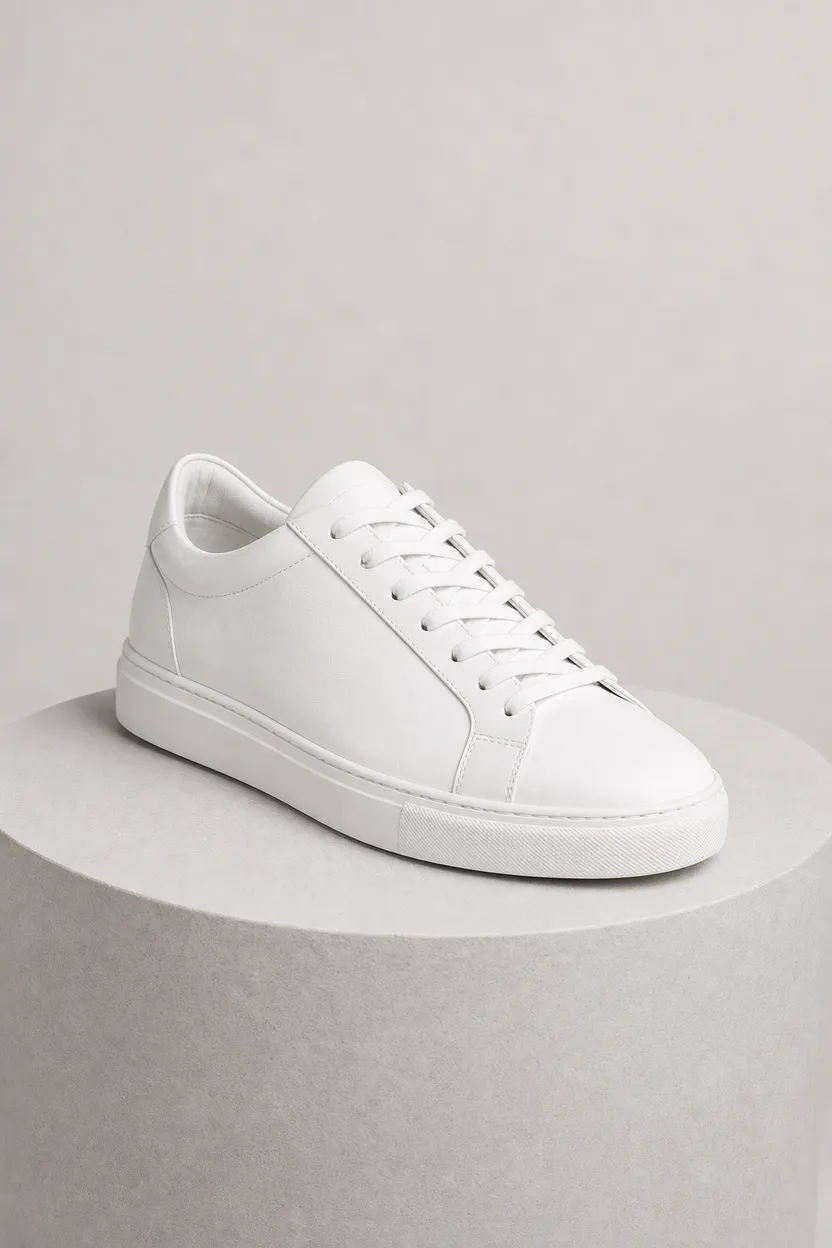
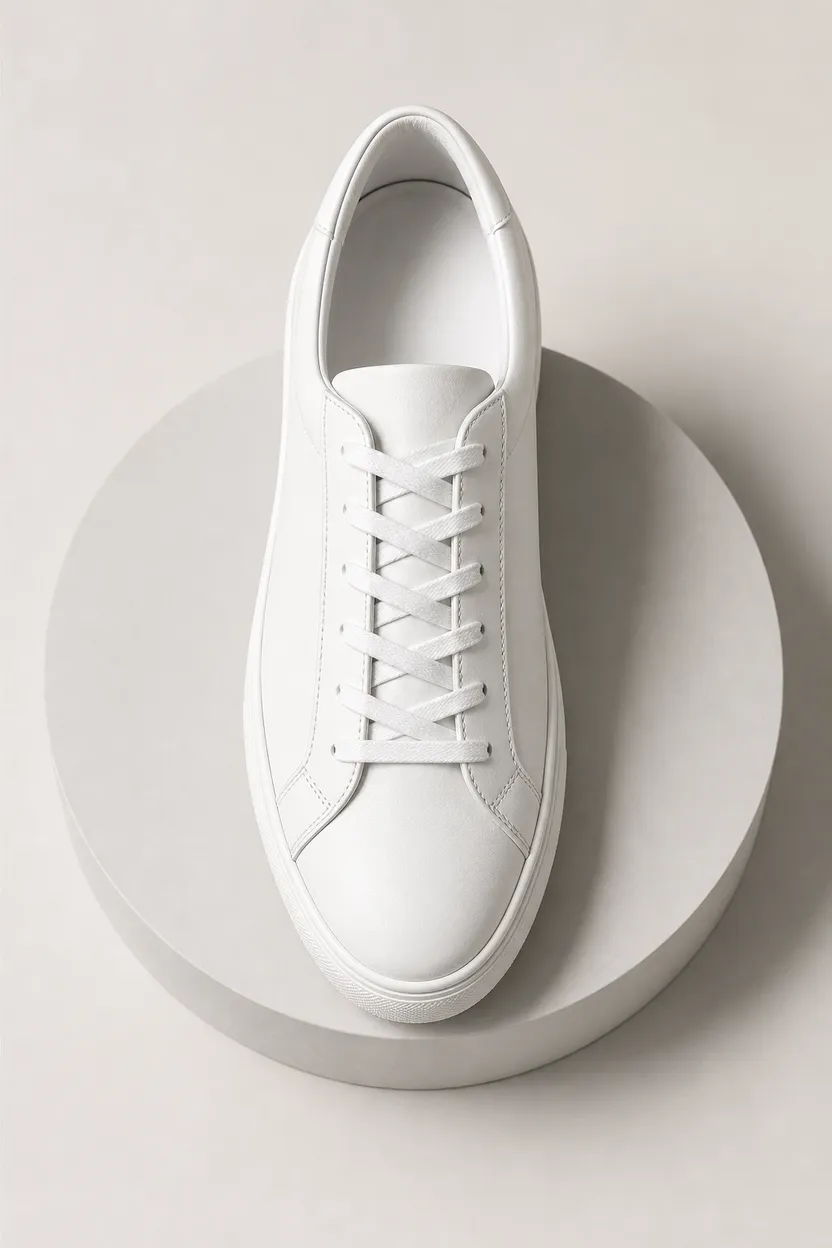
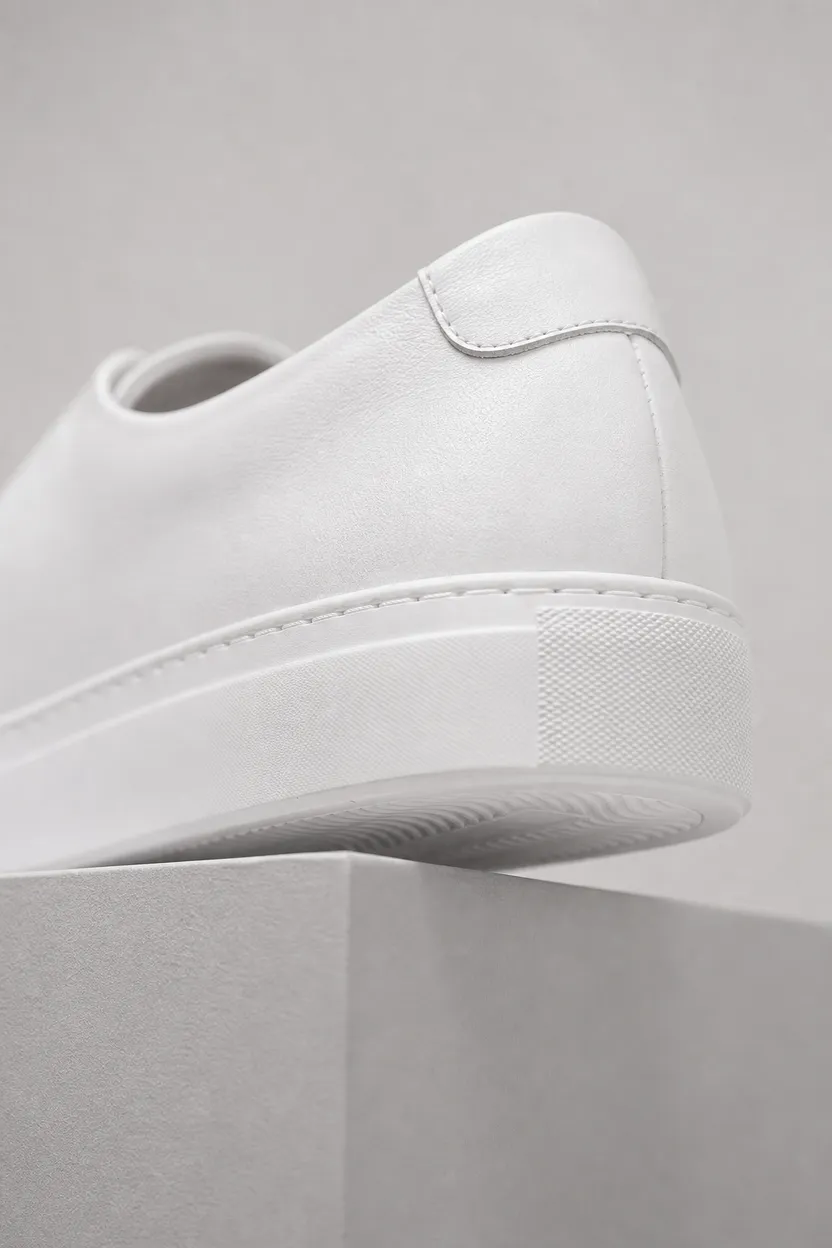
What you can do with Remix
One subject, many angles
Generate a coherent set of stills from one product or subject image.
Carousel-ready output
Create multi-angle images for carousel posts and product showcases.
Choose slide count
Set the carousel from 2 to 8 slides before you render.
Vertical or square
Choose 9:16 or 1:1 for vertical or square carousel layouts.
Content-safe creation
ClipRush uses content-safe models only, with no NSFW outputs and no deepfakes.
How Remix works
1. Upload the subject
Add the product or subject image you want to showcase across the carousel.
2. Set format and slides
Choose 9:16 or 1:1, then pick a slide count from 2 to 8.
3. Render the set
Review the credit cost, render the carousel images, and export the set.
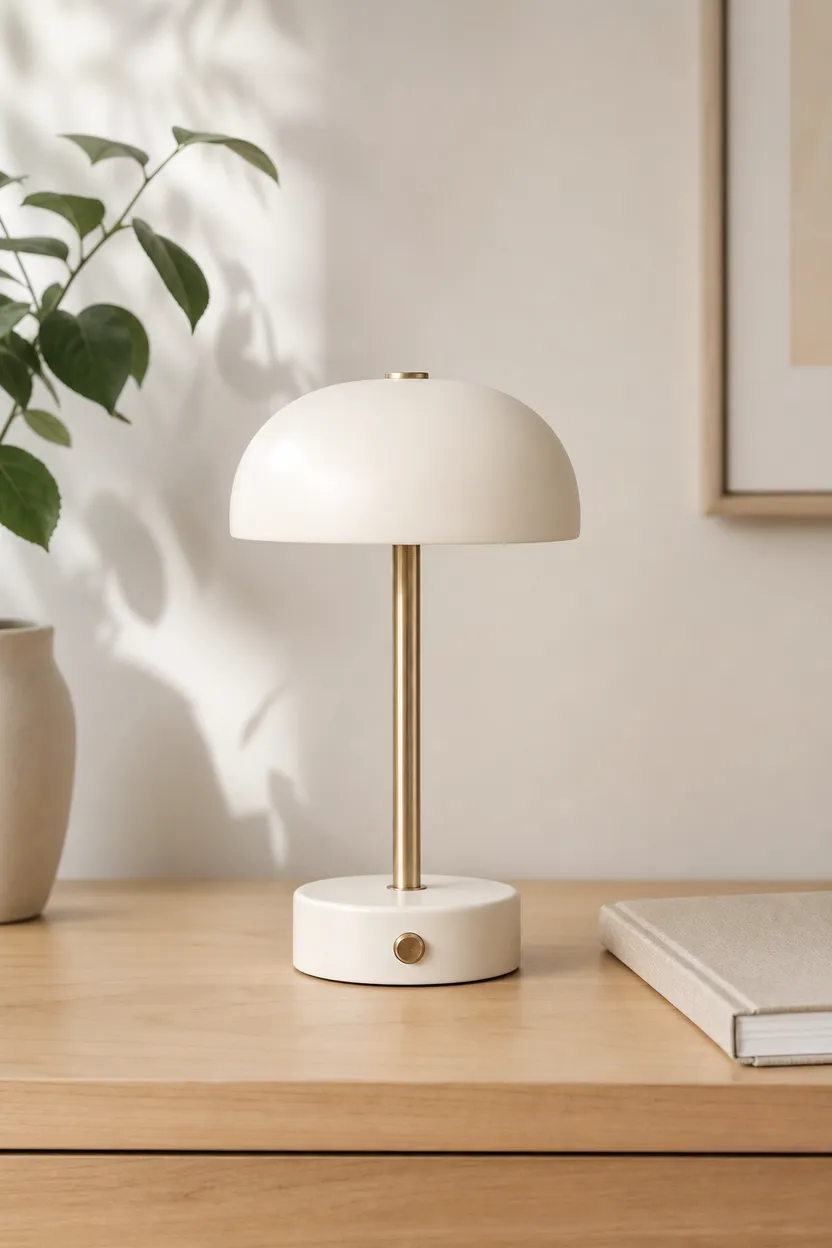
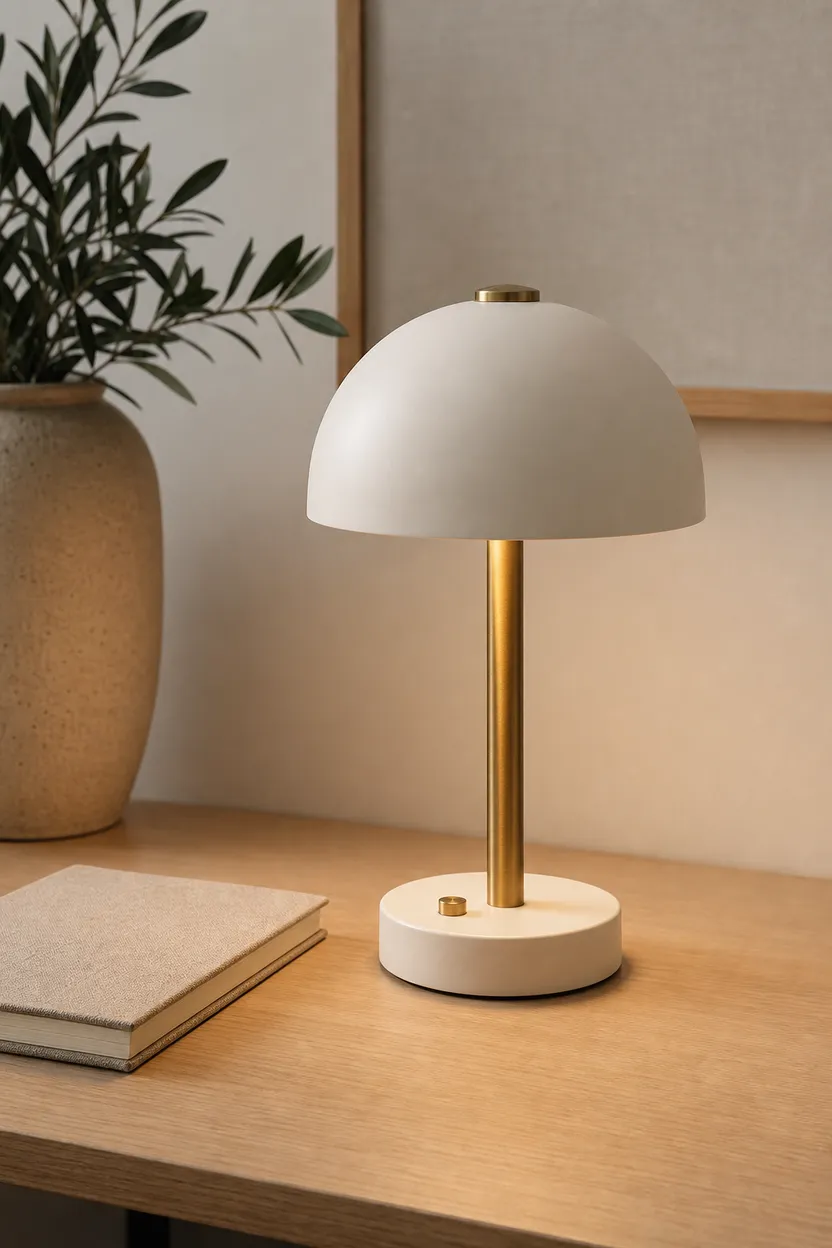
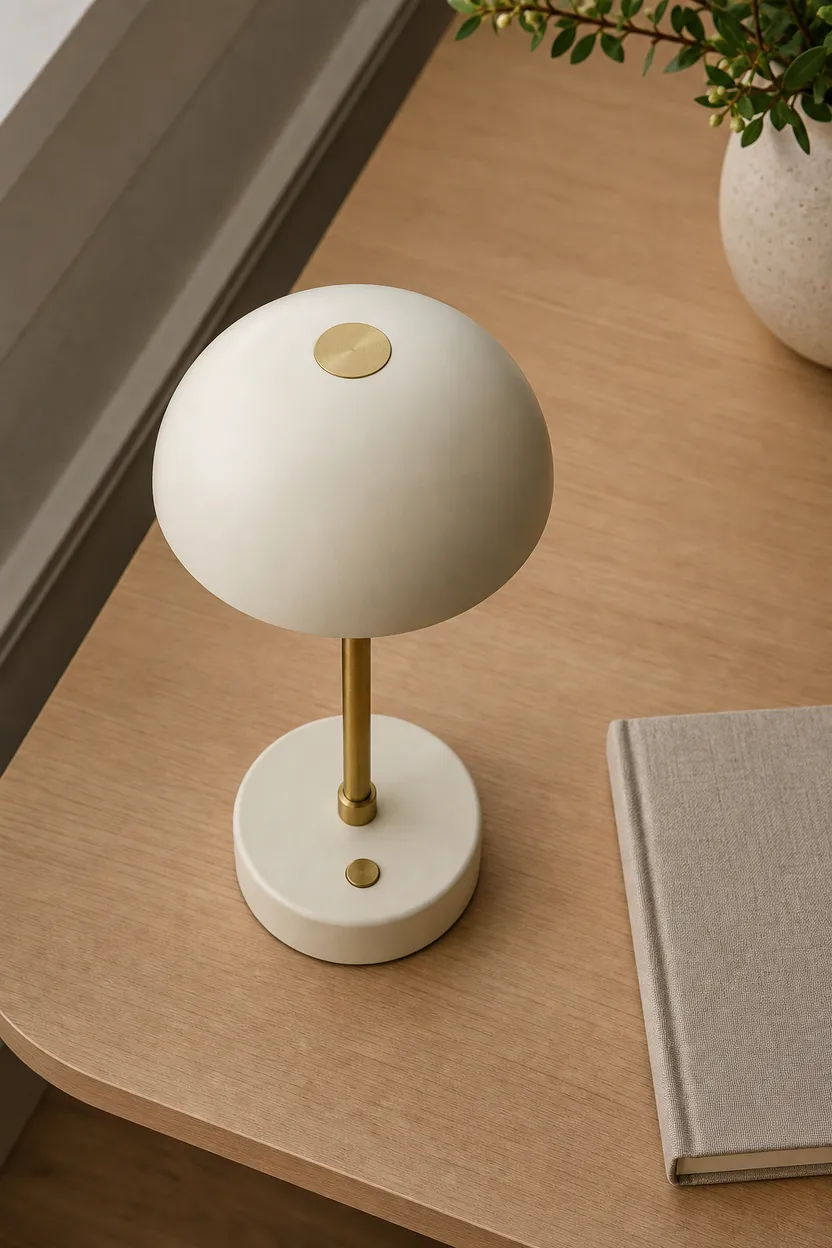
Ivory Desk Lamp Carousel
This example shows one ivory desk lamp from several angles, useful for a product carousel or listing gallery.
Start with a subject image
FAQs
The carousel tool makes a coherent set of multi-angle stills from one subject image. It is built for carousel posts and product showcases.
Carousel Studio starts at 2 credits per base render, and the exact cost is shown before you render. One balance works across ClipRush tools.
Carousel Studio supports 9:16 and 1:1. You can choose 2 to 8 slides before rendering.
Start by buying a one-time credit pack from $4.99, upload your subject image, choose the ratio and slide count, then render. Credits never expire.
Use Carousel Studio for several angles of one subject. Use AI Photoshoot when you need images built from a face, body or outfit reference and a scene prompt.
Yes, Carousel Studio is designed for product showcases as well as subject-based carousel posts. Upload the product image as the subject.