
Create an AI Photoshoot From References
Create styled photoshoot images from a face, a body or outfit reference, and a scene prompt. Choose 9:16 or 1:1 and create up to 4 images in one run. ClipRush shows the exact credit cost before render, using one-time credit packs.
- Outputs image
- From 3 credits
- 9:16 · 1:1
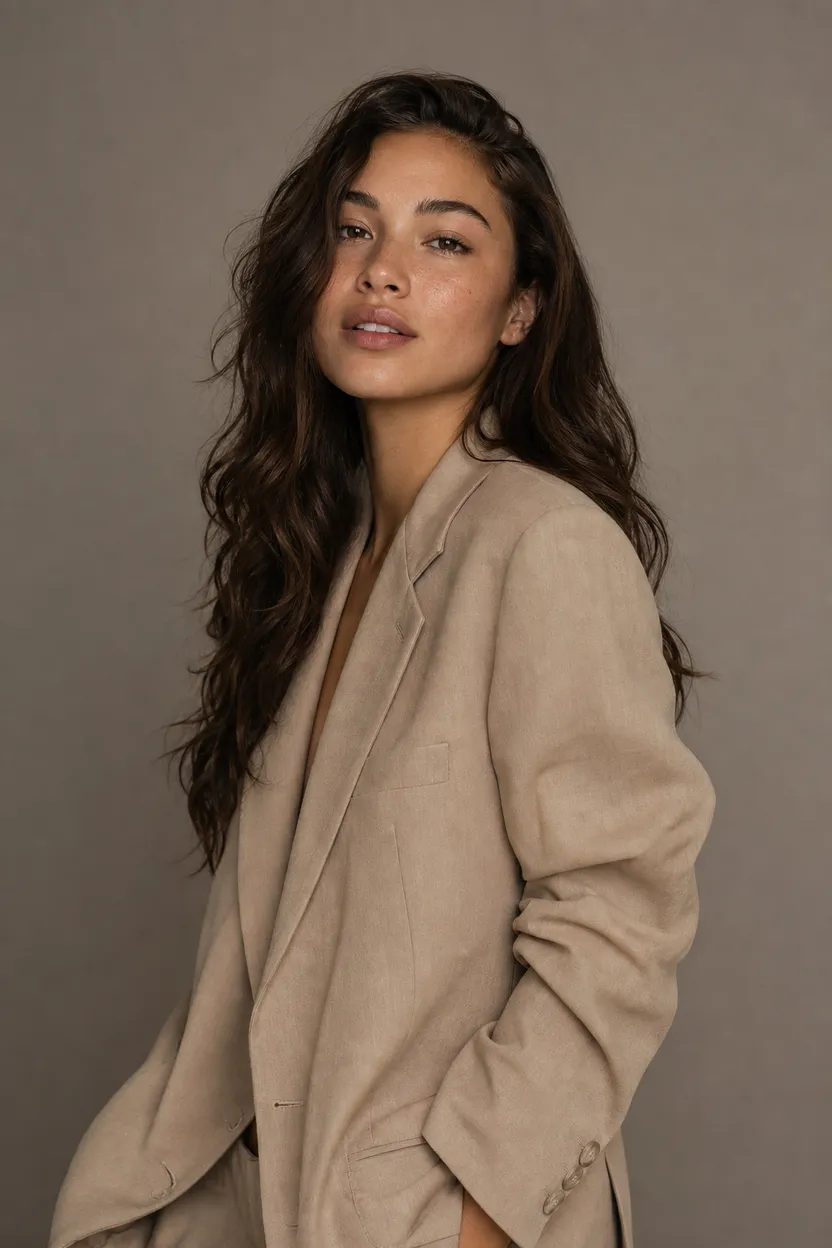
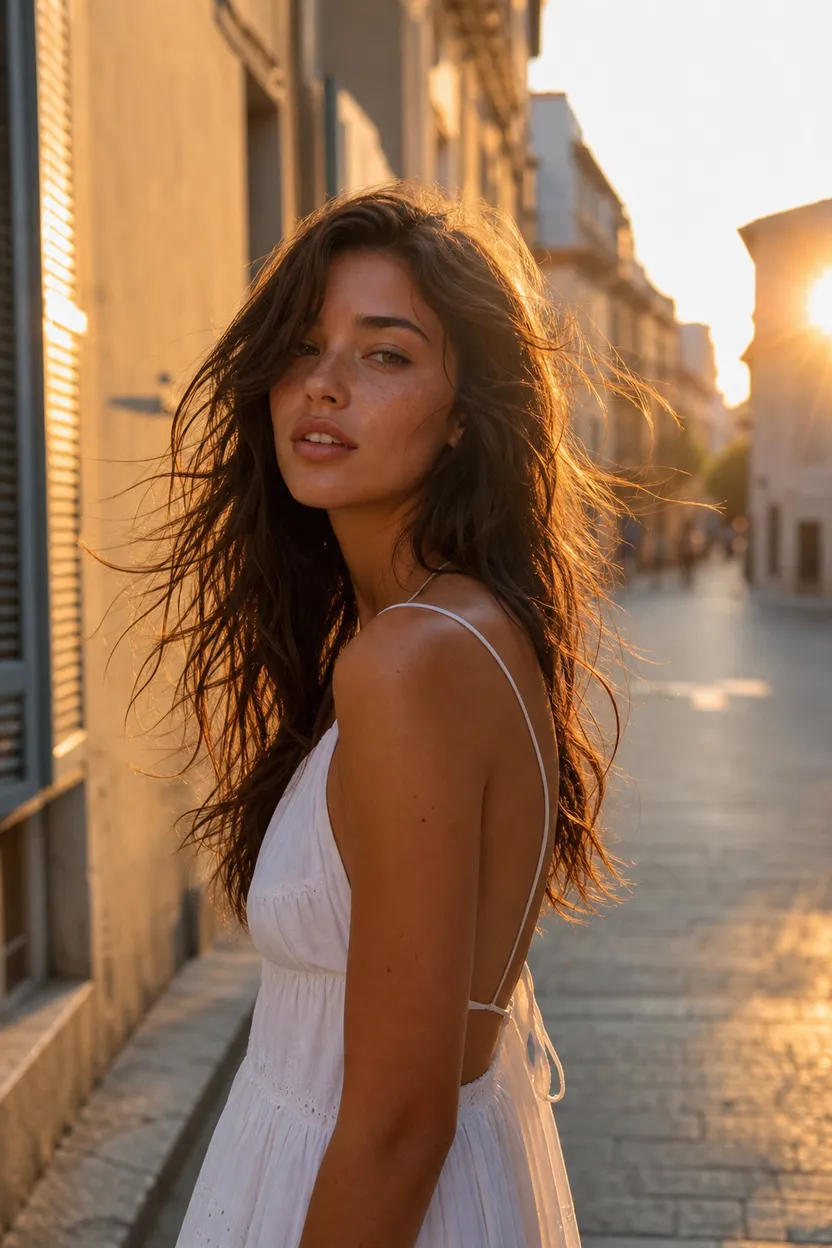
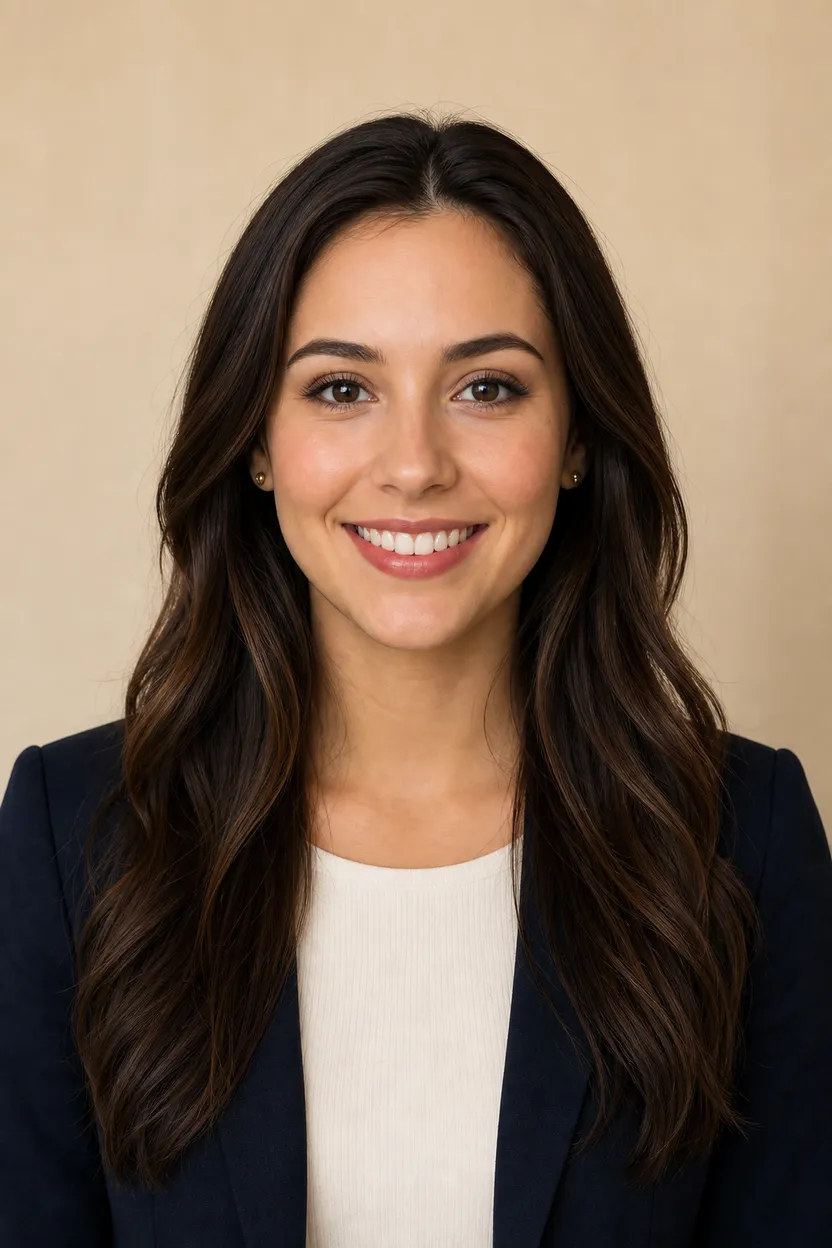
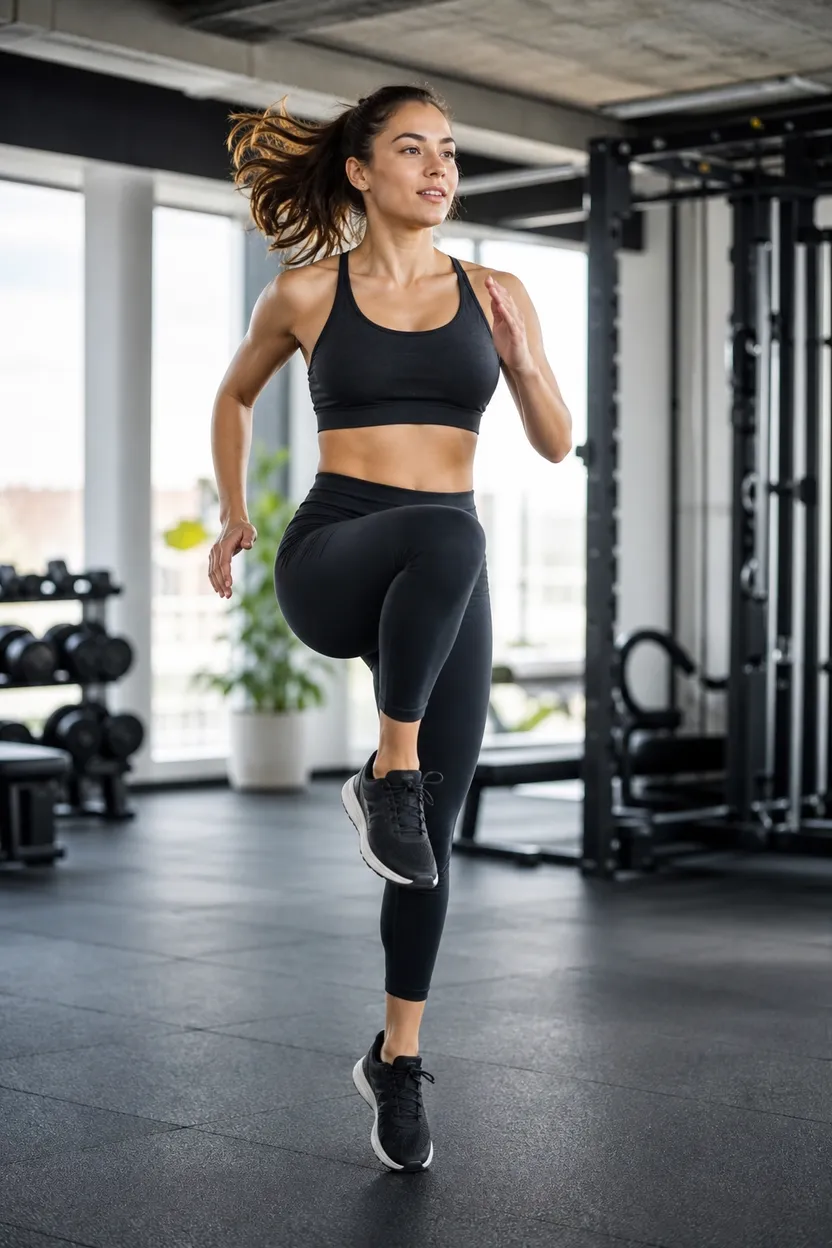
What you can do with AI Photoshoot
Face plus outfit
Combine a face reference with a body or outfit reference to create a styled photoshoot image.
Scene prompt control
Describe the setting and styling in the scene prompt to guide the photoshoot result.
Vertical or square
Create photoshoot images in 9:16 or 1:1 for vertical or square placements.
Create up to 4
Set the count from 1 to 4 images when you want several photoshoot options.
Safe image creation
ClipRush uses content-safe models only, with no NSFW outputs and no deepfakes.
How AI Photoshoot works
1. Upload face and body
Add a front-facing, well-lit face image and a body or outfit reference.
2. Describe the scene
Write a scene prompt that explains the setting and styling, then choose 9:16 or 1:1.
3. Choose count and render
Pick 1 to 4 images, review the credit cost, and render the photoshoot.
Loft Creator Photoshoot
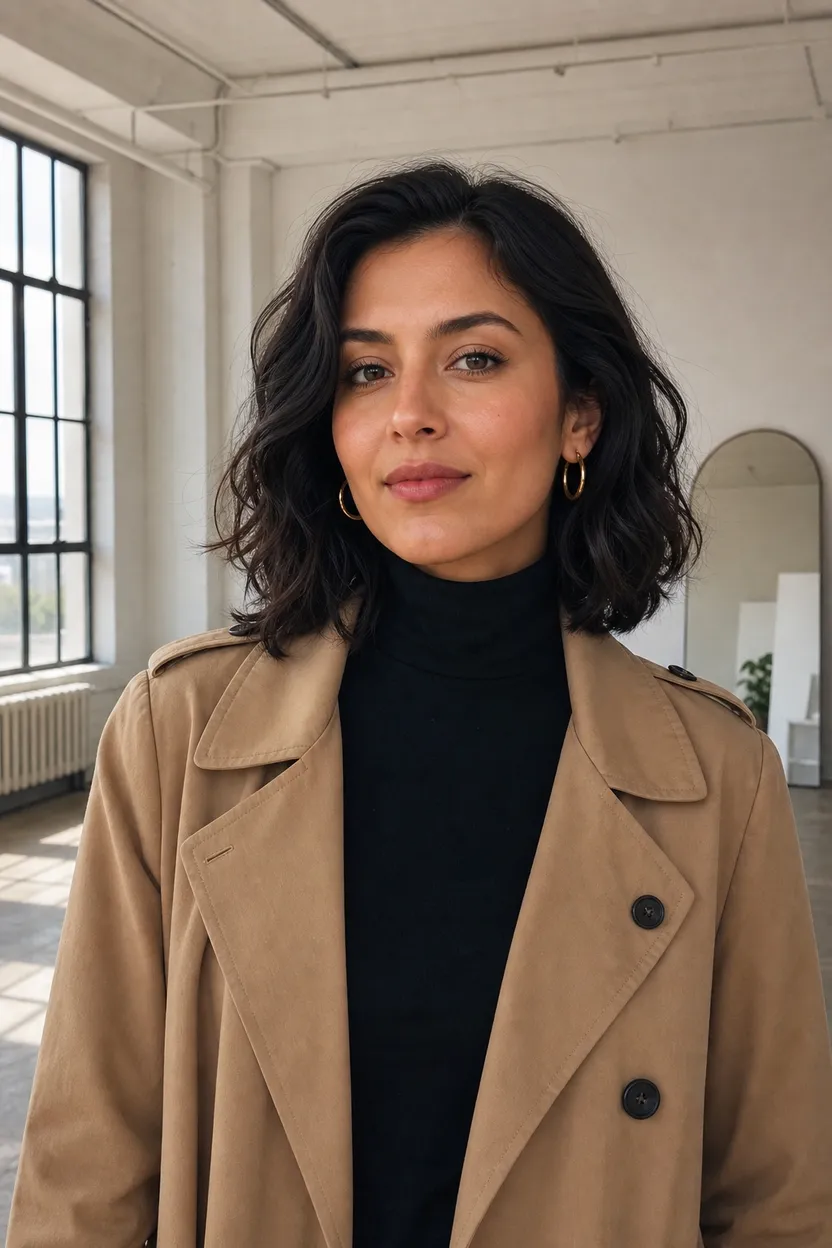
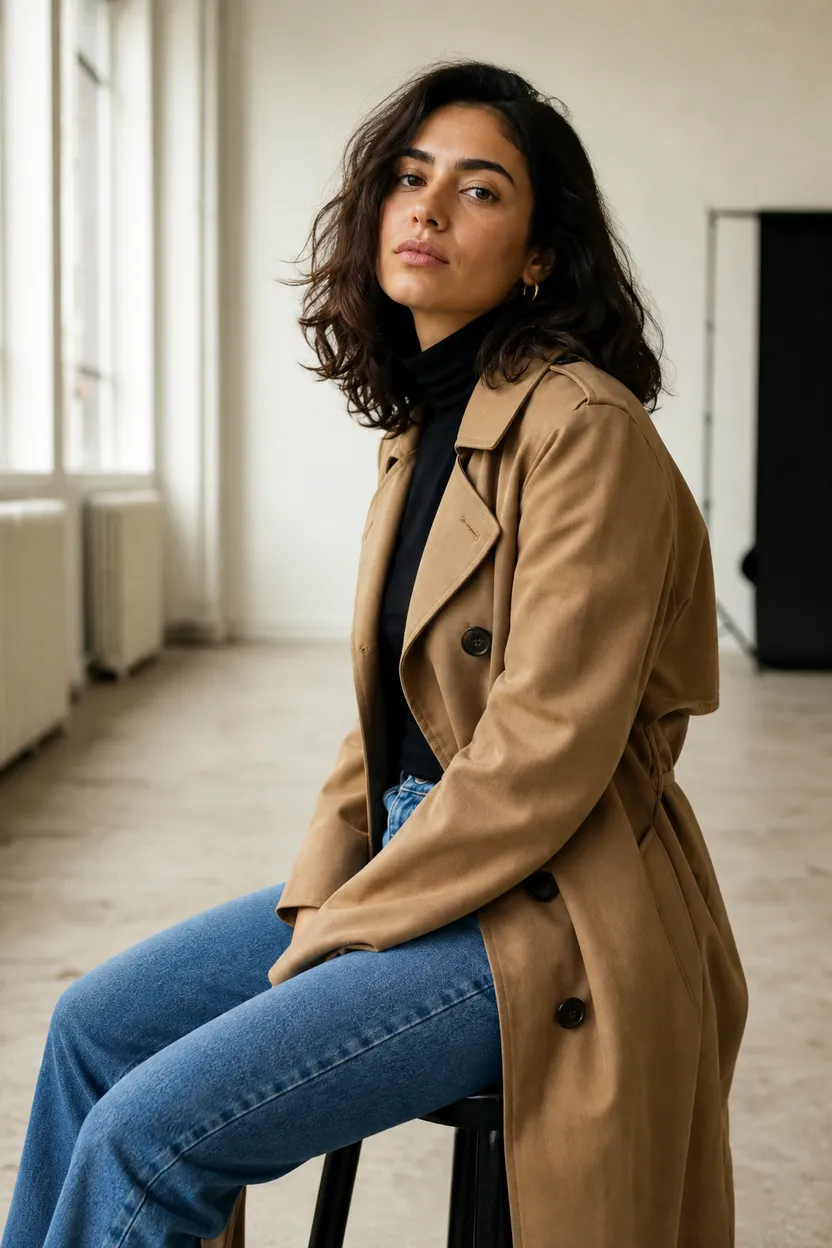
This example creates a loft studio photo set for one creator, useful for profile images, campaign stills, and website bios.
Start with face, outfit + scene prompt
Example prompt
“Bright loft studio, camel trench over black turtleneck, soft window light, clean headshot and full-body portrait set.”
FAQs
The AI photoshoot tool makes styled still images from a face reference, a body or outfit reference, and a scene prompt.
AI Photoshoot starts at 3 credits per base render, and the exact cost is shown before you render. Credits work across all ClipRush tools.
AI Photoshoot supports 9:16 and 1:1. You can create 1 to 4 images in a render.
Start by buying a one-time credit pack from $4.99, then upload the face and body references and write the scene prompt. Credits never expire.
Use AI Photoshoot when you need a specific face and outfit reference. Use Text to Image when a prompt alone is enough for the still.
Yes, the body or outfit reference guides the look, and the scene prompt describes the setting and styling for the photoshoot.