
Reference / Style
Create new still images that follow a reference image’s look and composition. Upload a reference, add an optional face or prompt, set strength and count, and see the credit cost before render.
- Outputs image
- From 1 credits




How Reference / Style works
1. Set it up
Add your reference image and face.
2. Choose options
Pick model.
3. Generate
ClipRush renders your image, ready to download and post.
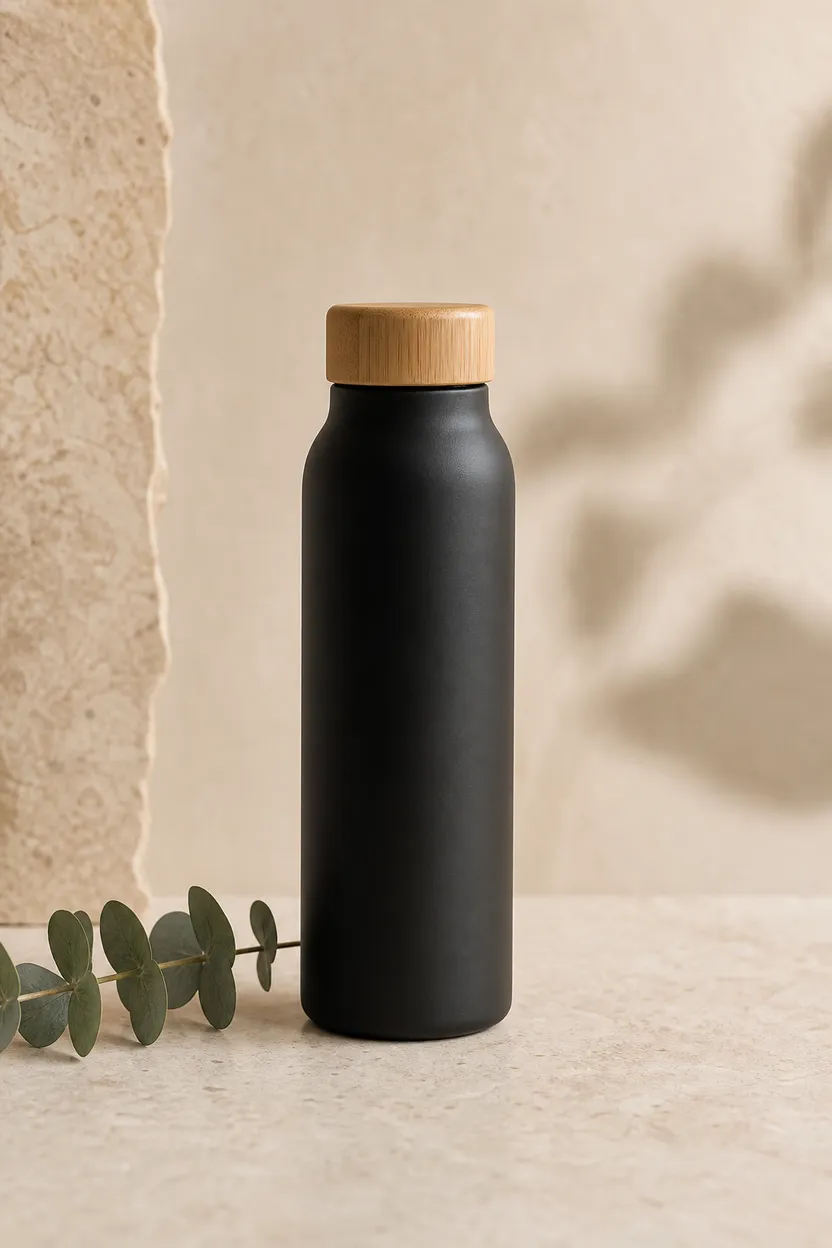
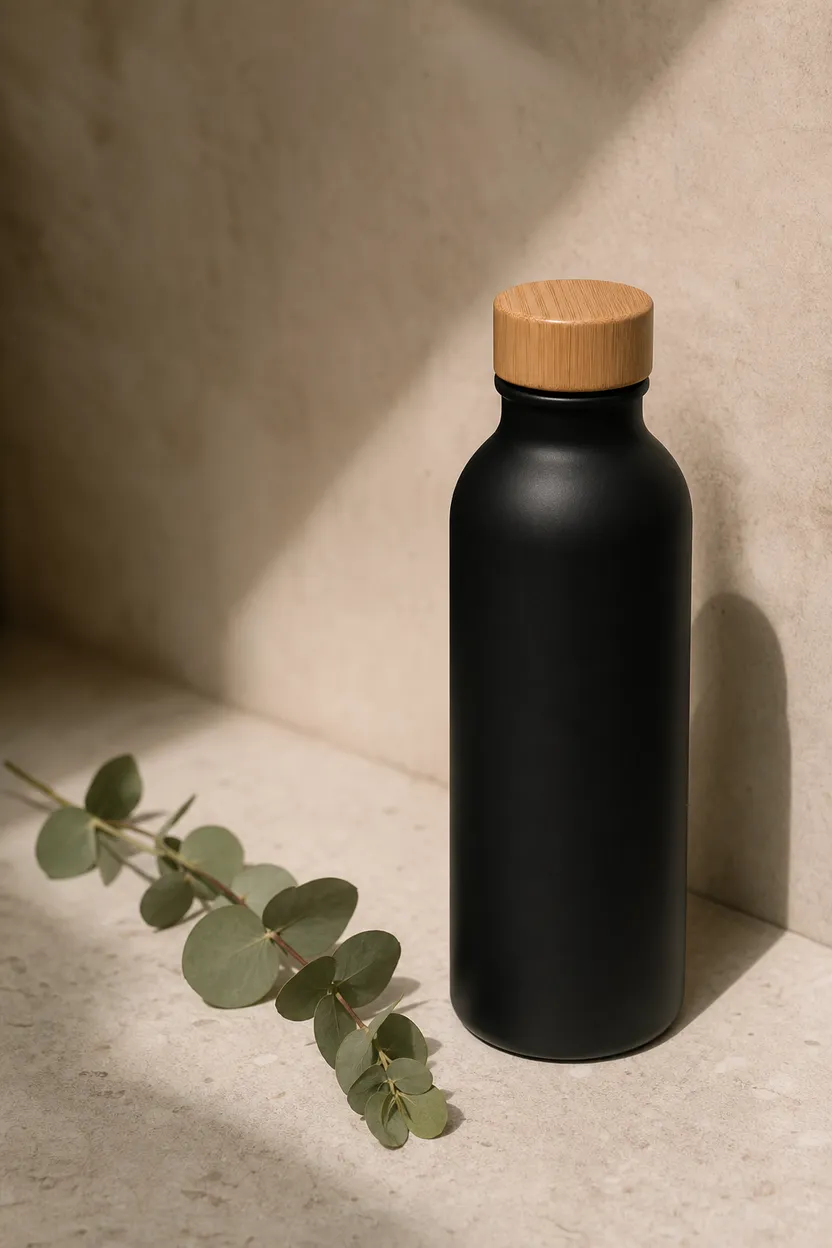
Reusable Bottle Style Match
This example matches a muted reference look for a black reusable bottle, useful for keeping product stills visually consistent.
Start with a reference image + prompt
Example prompt
“Matte black reusable water bottle with bamboo cap, eucalyptus sprig, muted clay cream sage palette, soft shadows.”
FAQs
Reference Style makes still images guided by a reference image. It can follow the reference style, palette and composition.
Reference Style starts at 1 credit. ClipRush shows the final credit cost before render, and purchased credits never expire.
Yes, you can add an optional face image and use Keep pose. You can also replace the background and adjust strength from 0 to 1.